

Save time automating the admin that slows your RTO


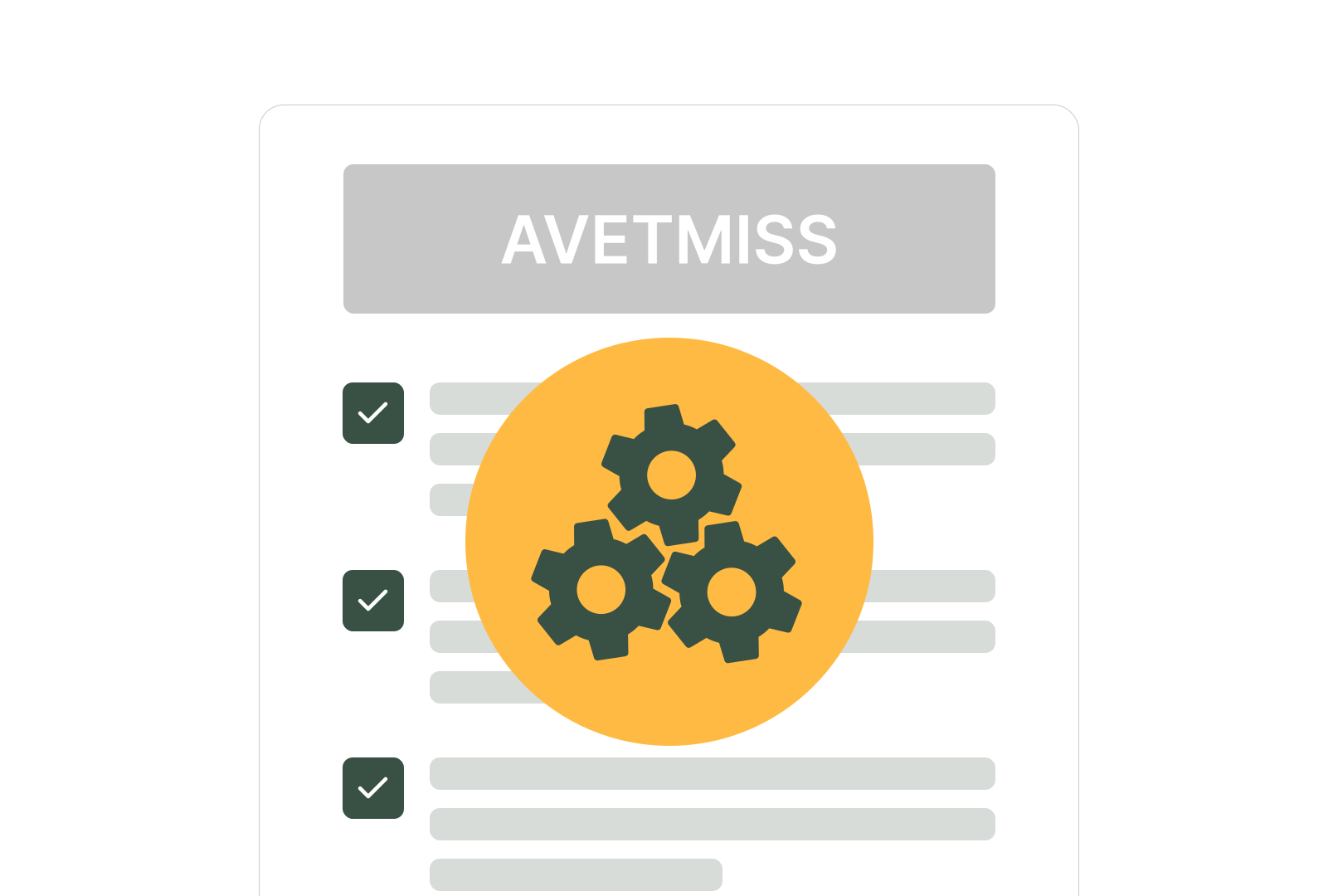
Compliance Data Automation
AVETMISS data is automatically captured through the student portal and stored in the correct format, reducing manual paperwork and data entry. Enrolments can continue even if the USI Registry goes down, with validation handled once it’s back online. Built-in checks help keep compliance data accurate without constant manual follow-ups.
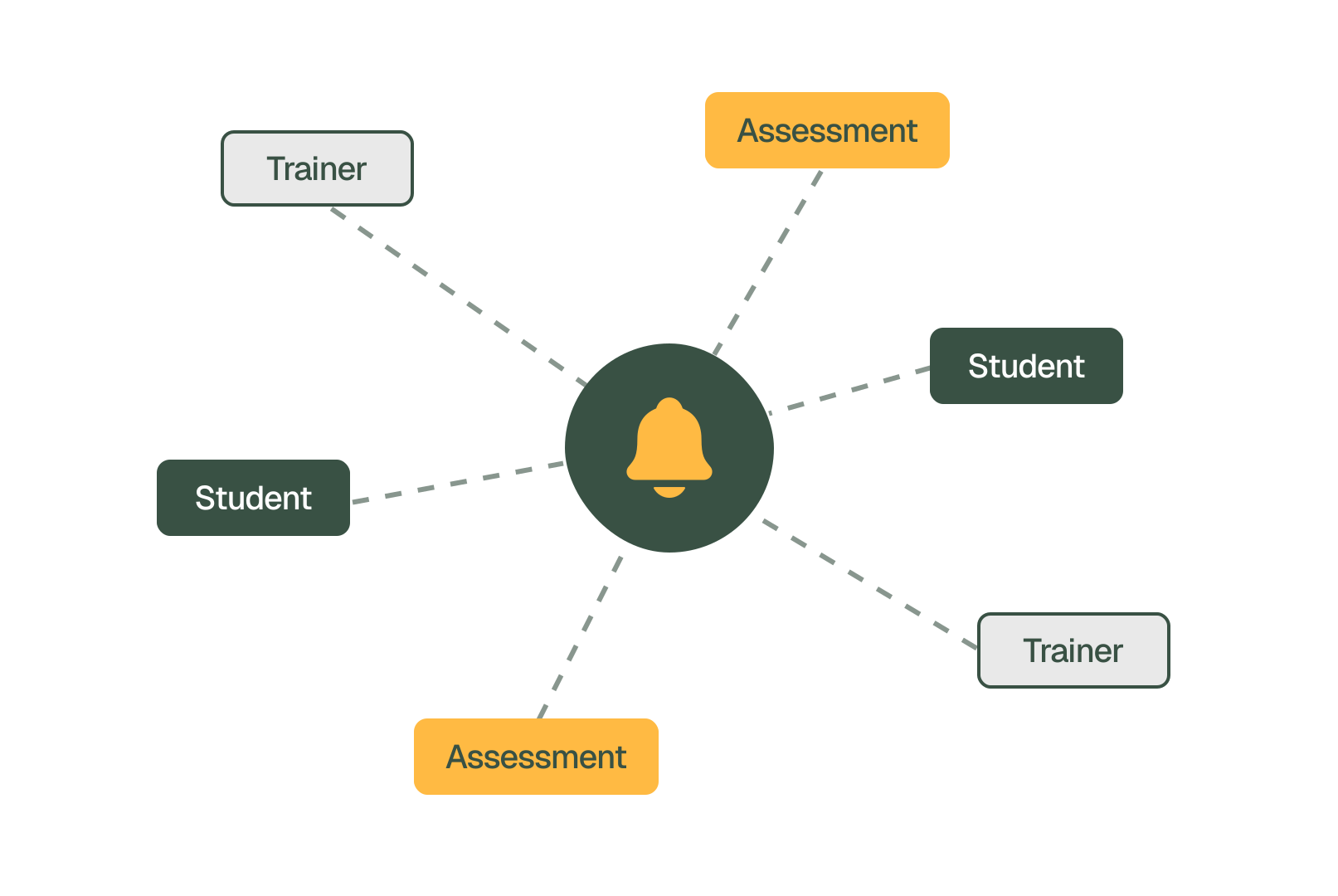
Automated Student and Trainer Updates
When class details change, trainers and students are notified instantly to keep everyone aligned. Automated reminders help learners stay on track with upcoming classes, payments and assessments. This reduces the need for manual updates and follow-up communication.
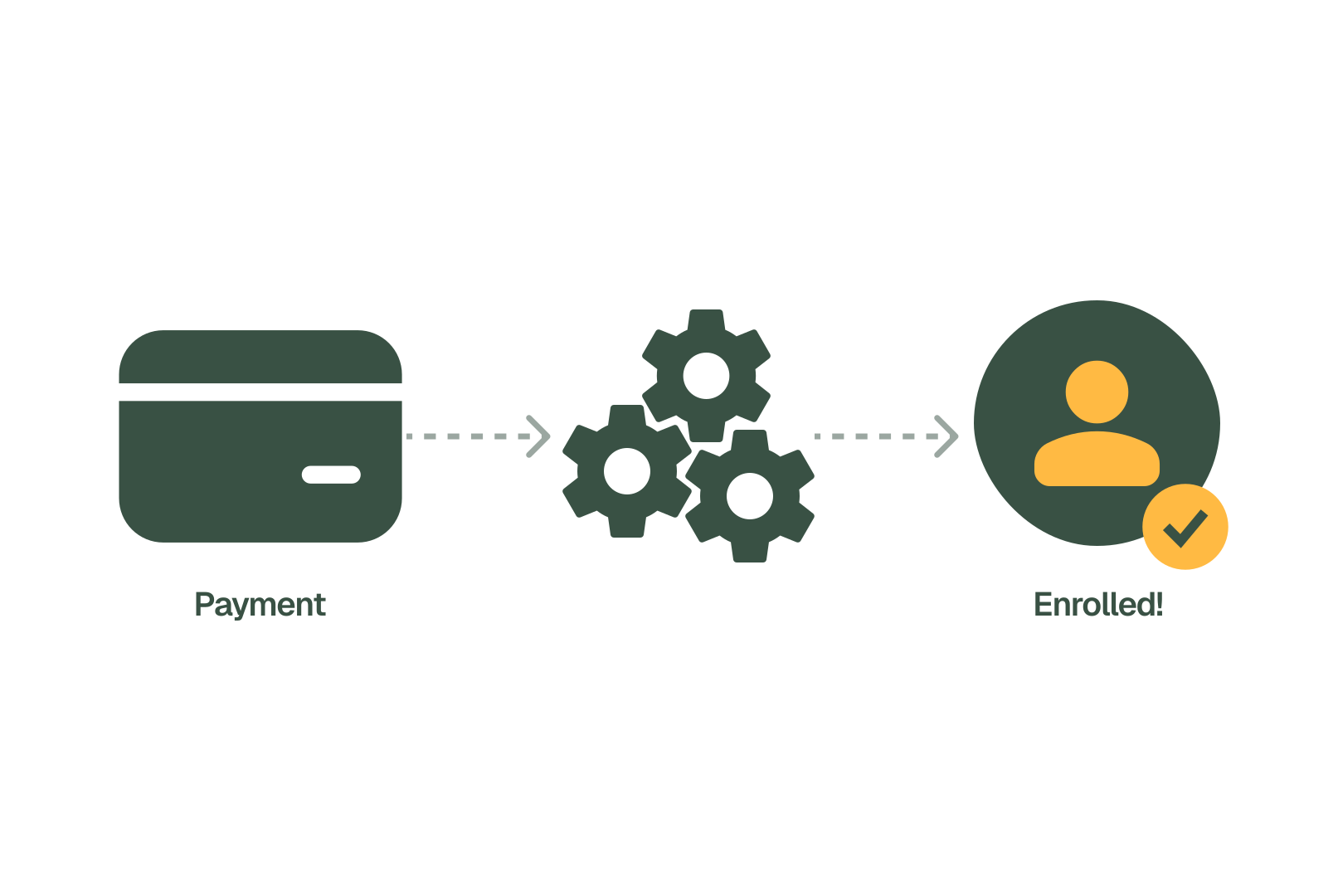
Payment and Enrolment Automation from First Click to Confirmation
Collect the correct student details before payment so that enrolments begin complete and accurate. The workflow then guides students through every step required for your RTO. Payments, data capture and confirmation are all part of a seamless process.
Frequently Asked Questions
Discover how our platform streamlines compliance, reporting, and training delivery for RTOs.
RTO automation software handles the repeated admin tasks involved in running a Registered Training Organisation. RTOPilot automates AVETMISS data capture, USI validation, student and trainer notifications, enrolment routing and payment workflows.
Students submit AVETMISS data through their portal during enrolment. The system records each field in the correct format and links it to the student record, ready for NCVER reporting.
RTOPilot enters staging mode automatically. Students can still submit USIs without immediate validation. After the Registry is back online, all staged USIs will be validated within 30 minutes. Registry outages never stop enrolments.
Yes. Custom data collection questions can run as a pre-payment step or post-enrolment through the Student Portal. RTOs choose which data to capture and at which point.
RTOPilot consolidates compliance, communication, payment and enrolment automation into one workflow management system. Workflow solutions sit alongside student records, trainer schedules and AVETMISS reporting in the same platform.

